Screenplay-first editor
Format screenplay elements, reuse templates, tune typography, and move through the outline without leaving the page.
Draftill brings a screenplay editor, visual Freeflow boards, local version checkpoints, and optional AI assistance into one focused desktop application.
Windows 10/11 x64 · Version 0.4.15 · Source available

Keep the tools that shape a screenplay connected without turning the writing process into a collection of tabs.
Format screenplay elements, reuse templates, tune typography, and move through the outline without leaving the page.
Arrange scenes, notes, media, links, and checklists on a draggable canvas with connectors and movable groups.
Keep story libraries with images and screenplay references close to the writing workspace.
Create screenplay-only checkpoints, compare changes, and roll back when a draft needs another direction.
Export structured PDFs and work with comments, writing goals, statistics, and keyboard shortcuts.
Use active-workspace, selected-text, and selected-node context when you want AI help—then turn it off when you do not.
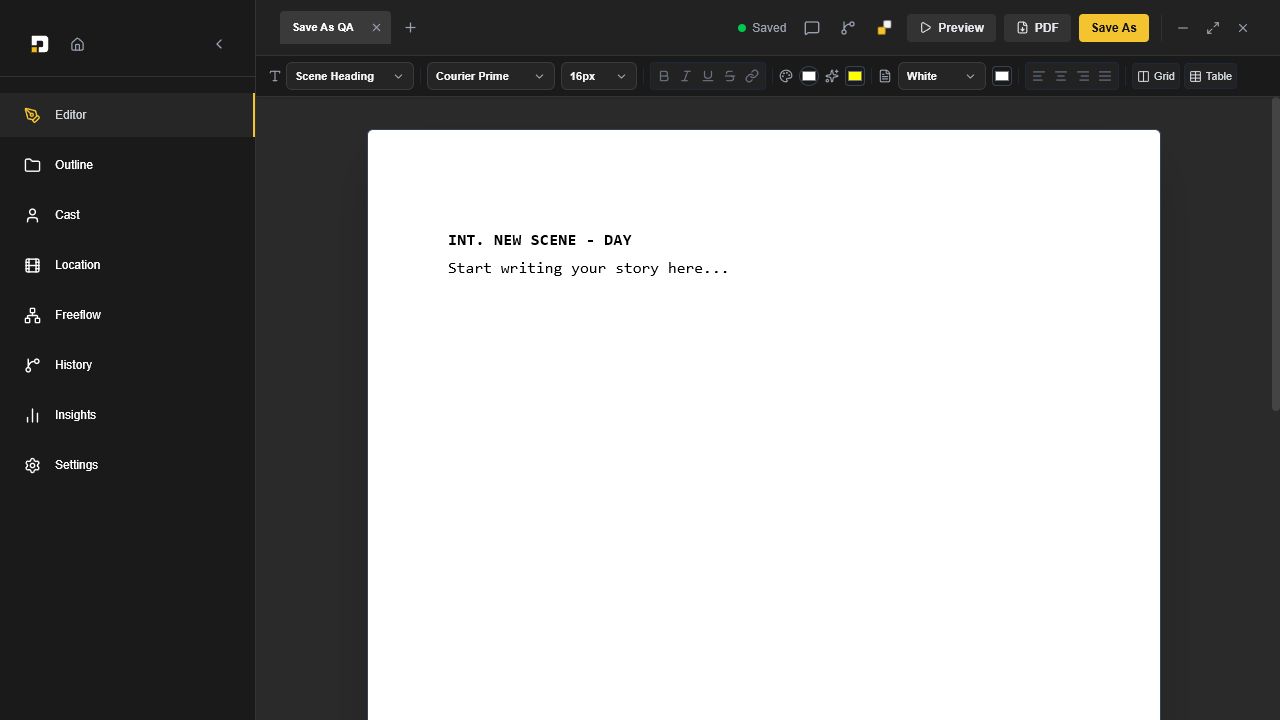
Move between screenplay elements, global typography, comments, and outline navigation without breaking writing momentum. Export structured PDFs that preserve tables, grids, and columns, then create a local checkpoint before the next round of changes.
Map the screenplay before production with draggable scenes, shots, characters, notes, media, link previews, and checklists. Group related ideas and connect them with selectable line styles to keep the full pre-production plan visible in one canvas.
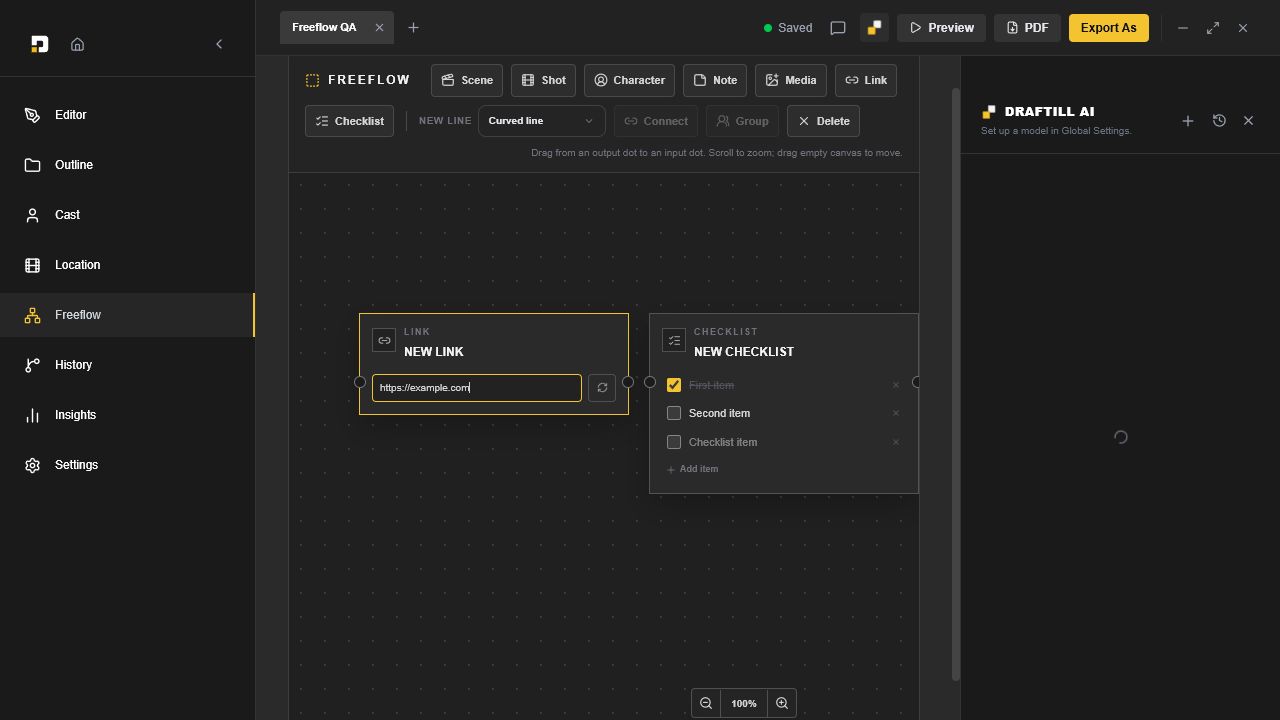
Draftill AI can work with the active workspace, selected screenplay text, and selected Freeflow nodes. Supported external providers may add web search or image generation when that provider and model support it.
Private local models run through the bundled llama.cpp runtime, and downloaded model files remain on your PC. Provider API keys are stored locally and encrypted with Electron safe storage.
Draftill's source is public for transparency and reproducible unmodified builds. The unmodified app may be used in personal and commercial workflows. The custom license does not permit modification, derivative works, redistribution, resale, white-labeling, or hosted-service use without written permission.
Version 0.4.15. Download the installer directly from the latest GitHub release and verify it with the published checksum.
View SHA-256 checksum